


- В реестре Российского ПО
- Сертификат ФСТЭК
- Лицензия ФСБ
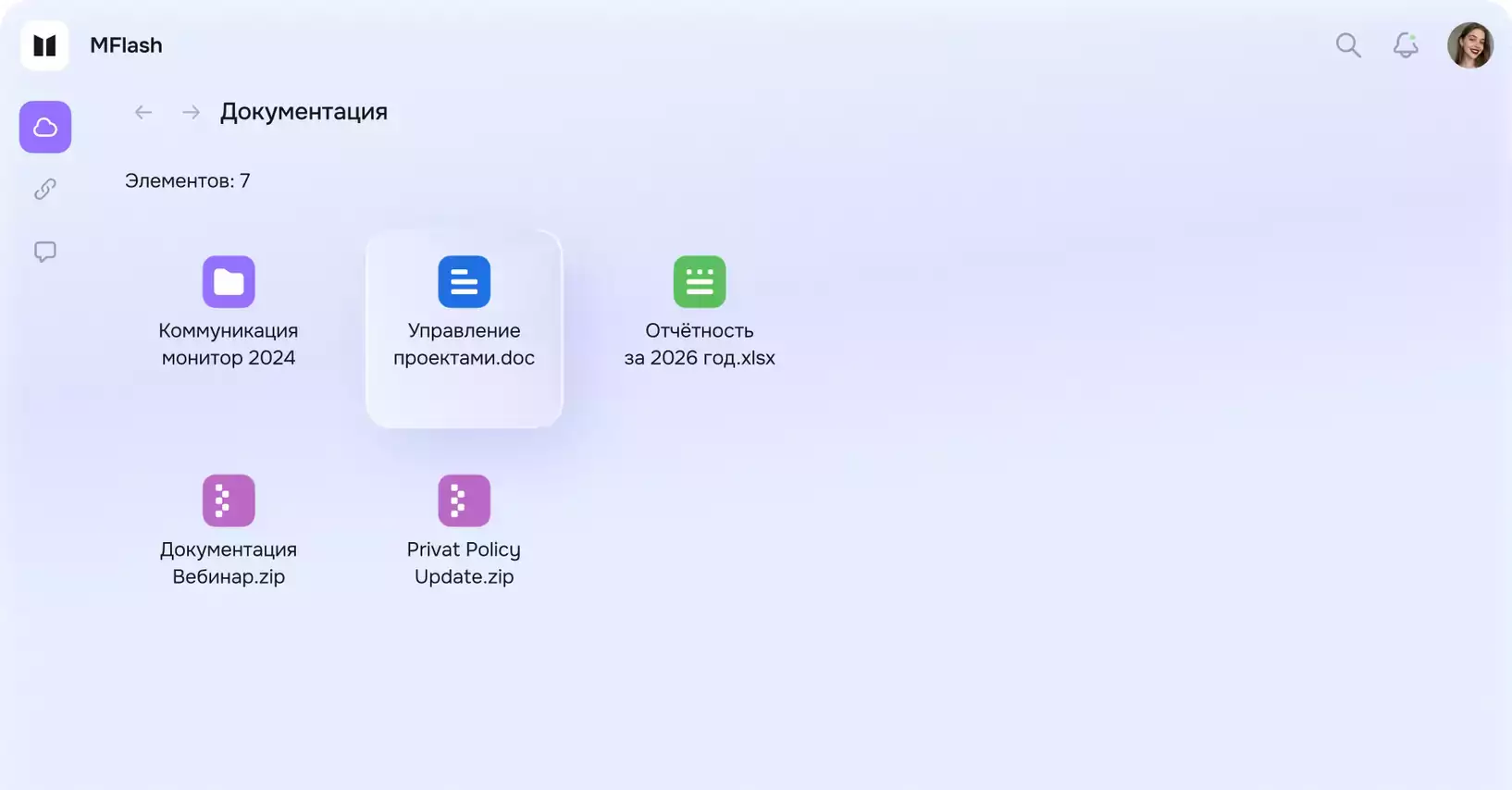
MFlash — ваше пространство для организации файлового обмена
Российская платформа для обеспечения безопасного файлового обмена для компаний с учётом разных бизнес-потребностей
Ведущие компании уже с нами
Нам доверяют лидеры из различных отраслей























- Для бизнеса и команд
- Для IT
- Для ИБ
Загружайте, редактируйте, делитесь в удобном
и едином интерфейсе
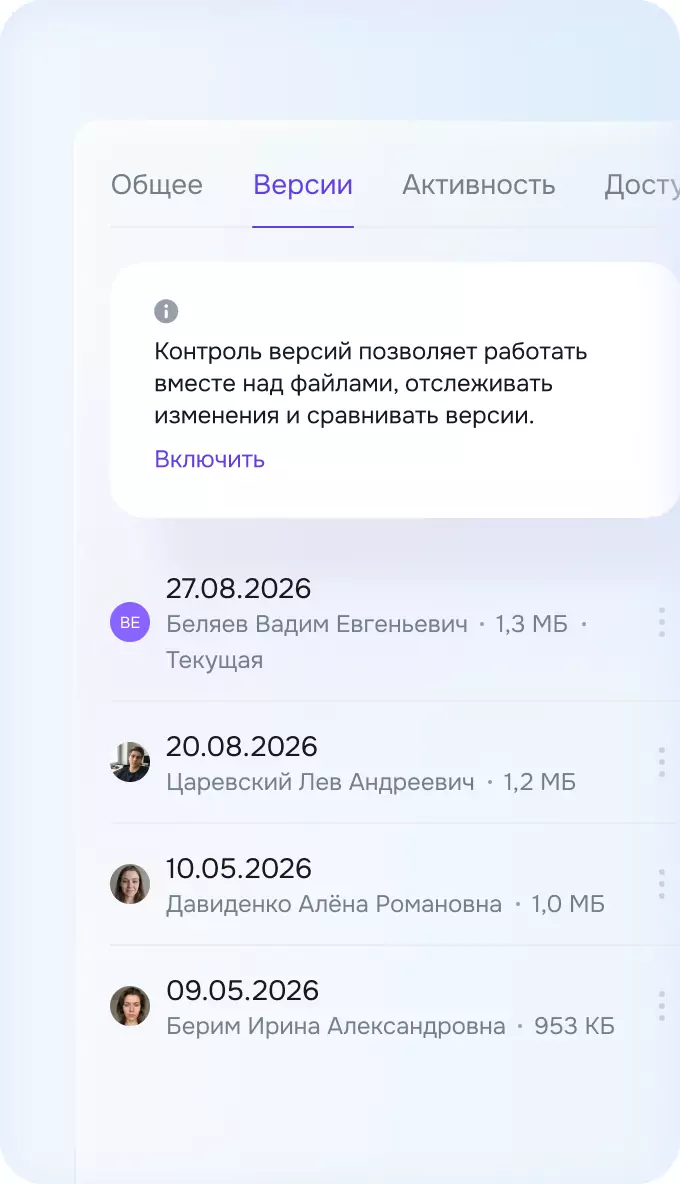
Делитесь без переживаний!
Отправляйте файлы по ссылке или открывайте доступ конкретным людям — с нужными сроками, ограничениями и защитой.
 Лимит скачиванийДопустимое количество
 Загрузка файловОграничения по загрузке
 Срок действия ссылкиКоличество дней жизни ссылки
 УведомленияОб использовании ссылки
 Только предпросмотрПолучатель получит ссылку на предпросмотр
 Индивидуальные ссылкиОтслеживайте активность каждого получателя
 Ссылка себеДля отправки по мессенджерам
 Водяные знакиЗащита в предпросмотре
 Защита паролемСтатичный или одноразовый
 Статистика активностиСкачивания и просмотры
 Архив и шифрованиеZIP · AES-256 или ГОСТ
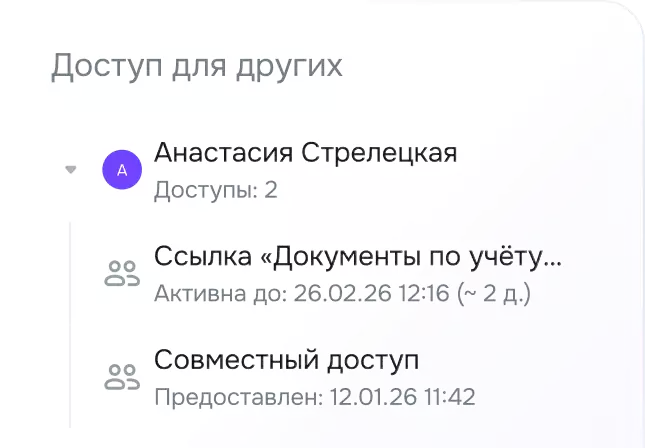
Контроль доступа
Интерфейс в одной панели позволит просмотреть у кого есть доступ
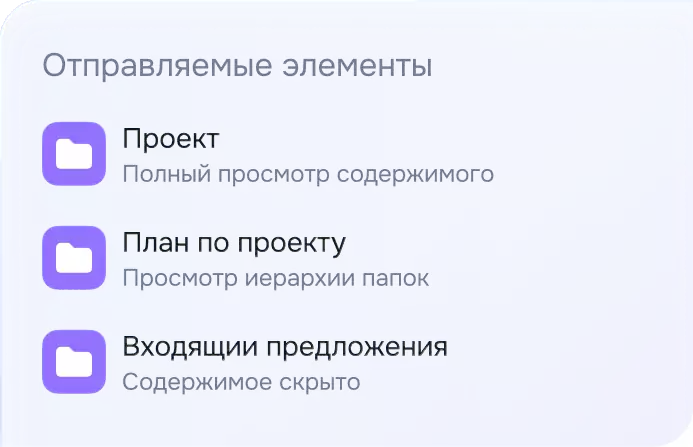
Настраивайте видимость
Настройте, какие файлы и папки увидит каждый получатель
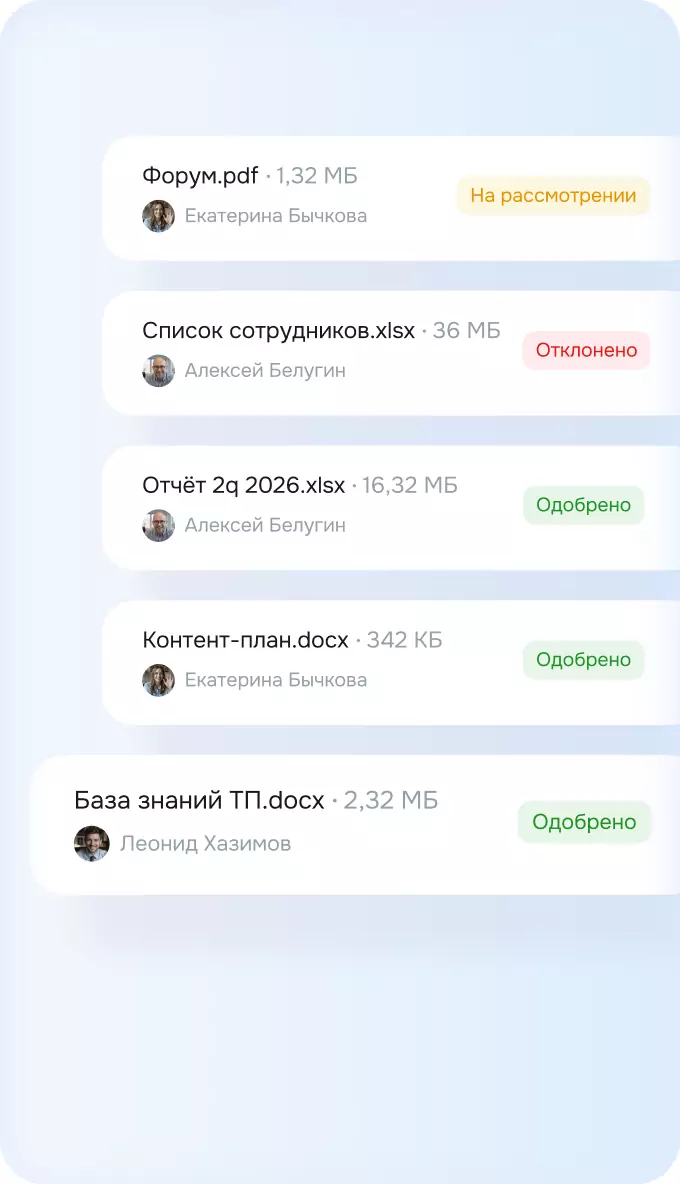
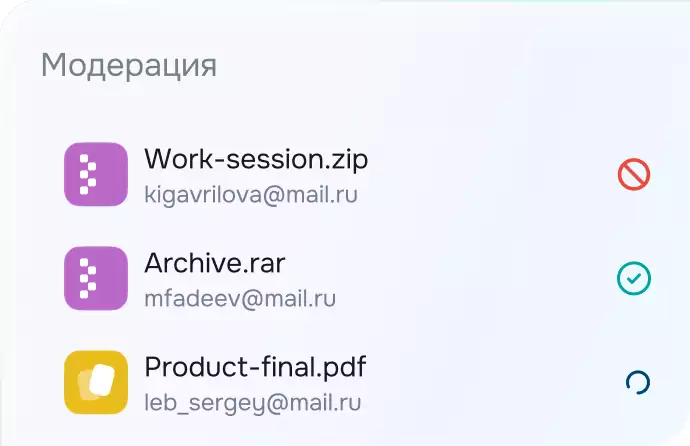
Проверка перед отправкой
Модератор проверит материалы до того, как их увидит получатель
Всё для хранения и управления файлами
 МобильностьВозможность работы «на ходу» через приложения для IOS и Android
 АвтоматизацияВозможность автоматизации и организации межсистемного файлового обмена
 Проектная работаВозможность создания папок с общим доступом для совместной работы
 Настройки ссылкиШирокие конфигурируемые возможности при формирование ссылки на файл/папку
 Кастомизация системыКастомизация платформы согласно корпоративному брендбуку
 Работа с контрагентамиУдобный и безопасный обмен файлами большого объема между сотрудниками и контрагентами
 Модерация файлообменаКонтролируемый доверенный процесс файлового обмена с контрагентами
 Низкий TCOМинимальное использование ресурсов ИТ подразделения при администрировании системы
 Гибкая архитектураМожет быть развернуто внутри сетевого периметра организации и в корпоративном ЦОДе
 Совместное редактированиеОдновременная онлайн работа пользователей с документами таблицами презентациями
 Двухфакторная аутентификацияВозможность интеграции с sms провайдером для обеспечения второго фактора аутентификации
 Система единого входа (SSO)Интеграция с корпоративными службами каталогов для единого входа (Active Directory, LDAP)
 АудитЛогирование всех действий пользователей и администраторов
 МультиязычностьПоддержка таких языков как: русский, немецкий и английский. Список может пополняться
 Белые и черные спискиВозможность ограничения доступа на уровне IP и подсетей, почтовым доменам
- Ролевая модель доступаНабор шаблонов готовых ролей, с возможностью создания новых в соответствии с матрицей доступа
 ГОСТ-шифрование данныхЗащита передаваемых данных с использованием сертифицированных алгоритмов шифрования ГОСТ
 МультиинстансностьБезопасный файлообмен между изолированными сегментами и филиалами с гибкой настройкой прав доступа
 Ограничение добавления файловКонтроль типов загружаемых файлов на уровне расширений для предотвращения угроз
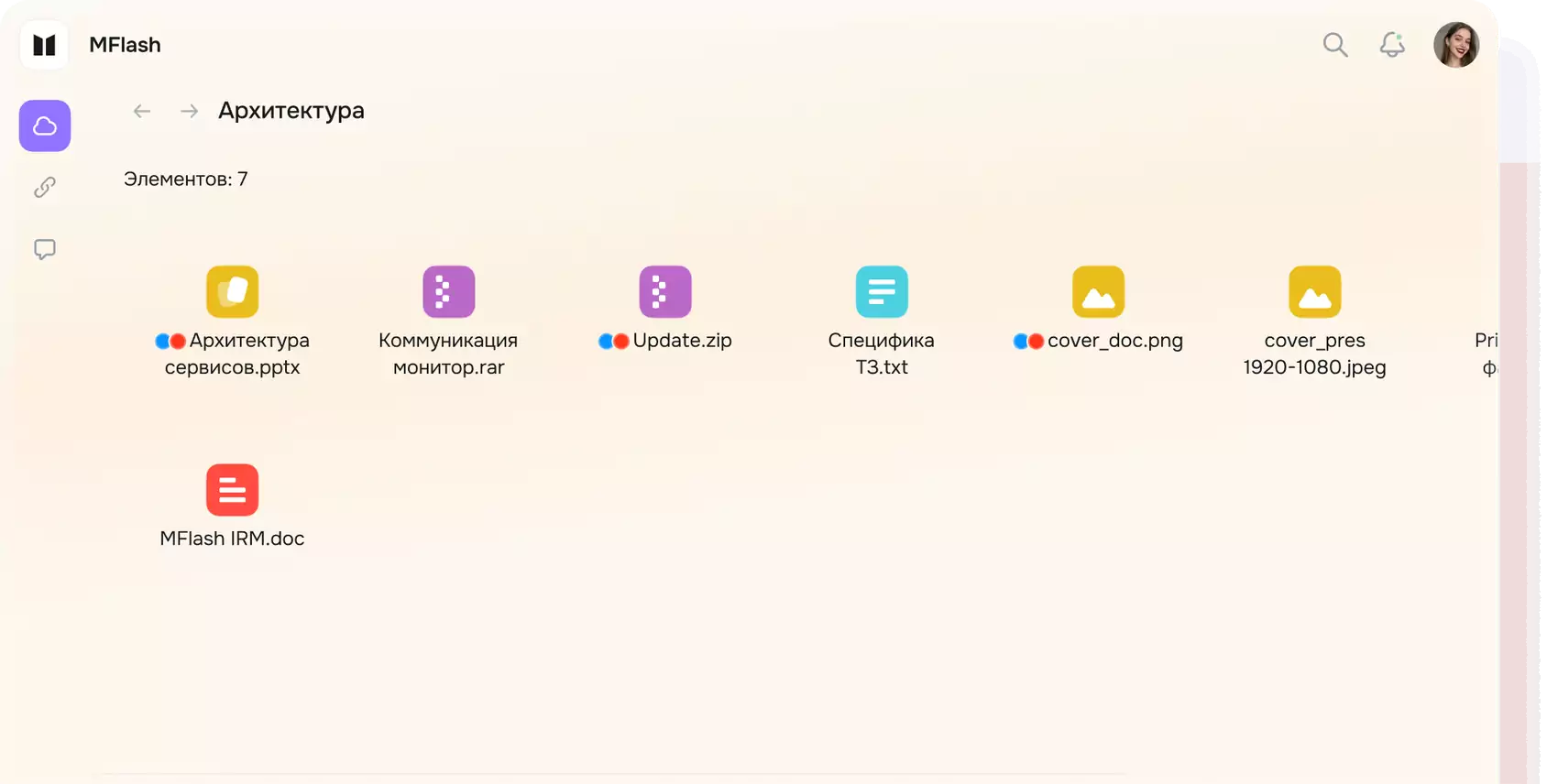
 ТегиДобавление меток и категорий для удобной навигации и фильтрации файлов
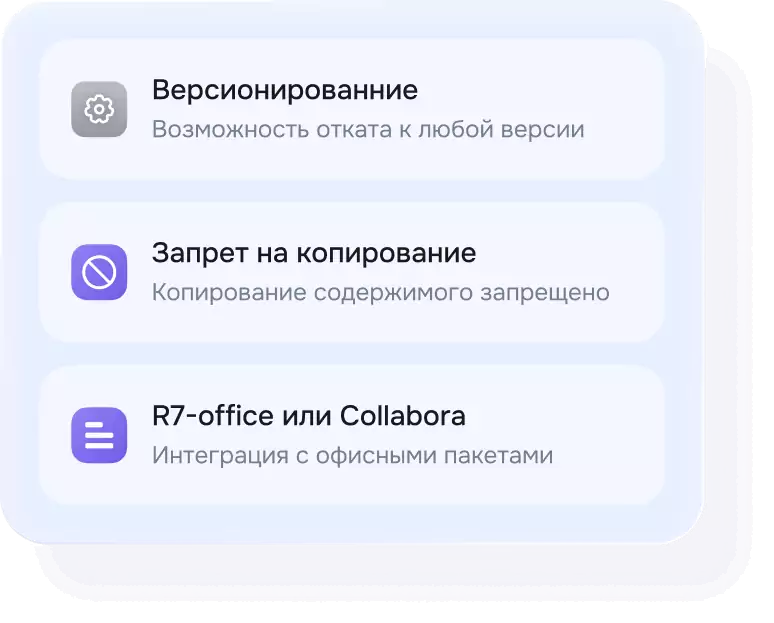
 ВерсионированиеХранение истории изменений с возможностью отката к любой версии
 Возобновление загрузкиДокачка файлов при обрыве соединения в условиях нестабильного интернета
 Смена владельцаБесшовная передача прав на файлы при смене сотрудников с сохранением ранее выданных доступов
 Блокировка ссылокАвтоматическая деактивация ссылок, отправленных удалёнными или деактивированными пользователями
 Переход к файлам из уведомленияКликабельные названия файлов в письмах и системных уведомлениях
 Водяные знаки в предпросмотреПовляются в предпросмотре документов и являются дополнительным фактором защиты от утечек
 Статистика ссылокОтображение количества скачиваний и переходов по ссылке
 Работа с большими потоками данныхМассовая загрузка файлов и папок с сохранением структуры
 Гибкие интеграции с СЗИГибкие настройки сценариев работы с антивирусом, DLP и anti-APT
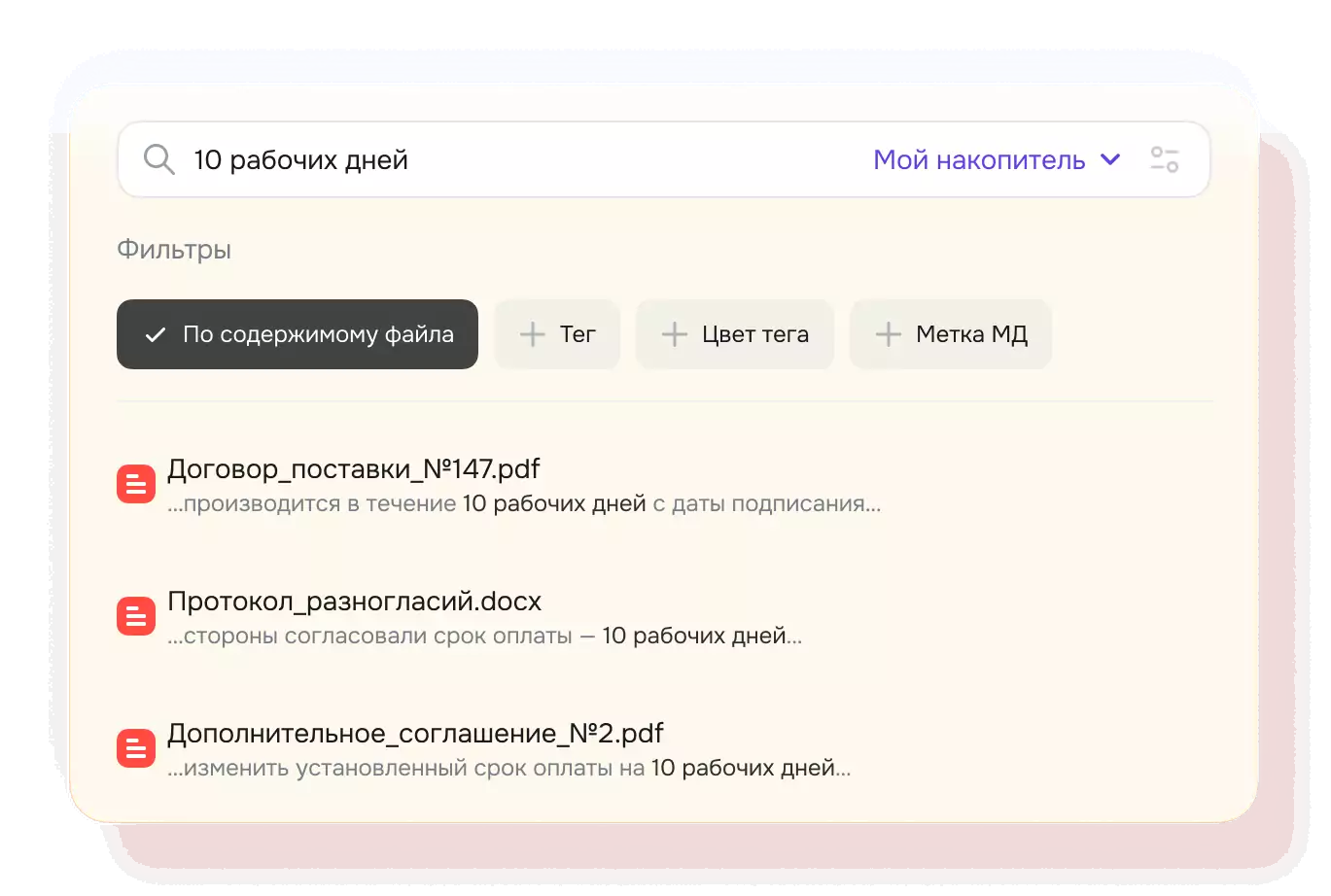
 Поиск по содержимому файловОтображение количества скачиваний и переходов по ссылке
 Плагин для OutlookОтправка больших файлов через привычный интерфейс Outlook
 Поддержка разных хранилищПоддержка собственного и сторонних хранилищ (S3) с точечными настройками
 Интеграция с SIEMПодключение к системам управления событиями информационной безопасности
 Доступ технических УЗ к APIПростая неисключительная Лицензия на ПО MFlash на количество файлов загружаемых через API в час сроком на 1 год
 Загрузка файлов через APIПростая неисключительная Лицензия на ПО MFlash на количество файлов загружаемых через API в час сроком на 1 год
- Проверка файлов системами безопасностиПростая неисключительная Лицензия на ПО MFlash API для интеграции с системами безопасности на количество проверяемых файлов в час (0-100) сроком на 1 год
И ещё множество других полезных функций.
Нет задач по файловому обмену, которые мы не смогли бы решить
- Управление данными
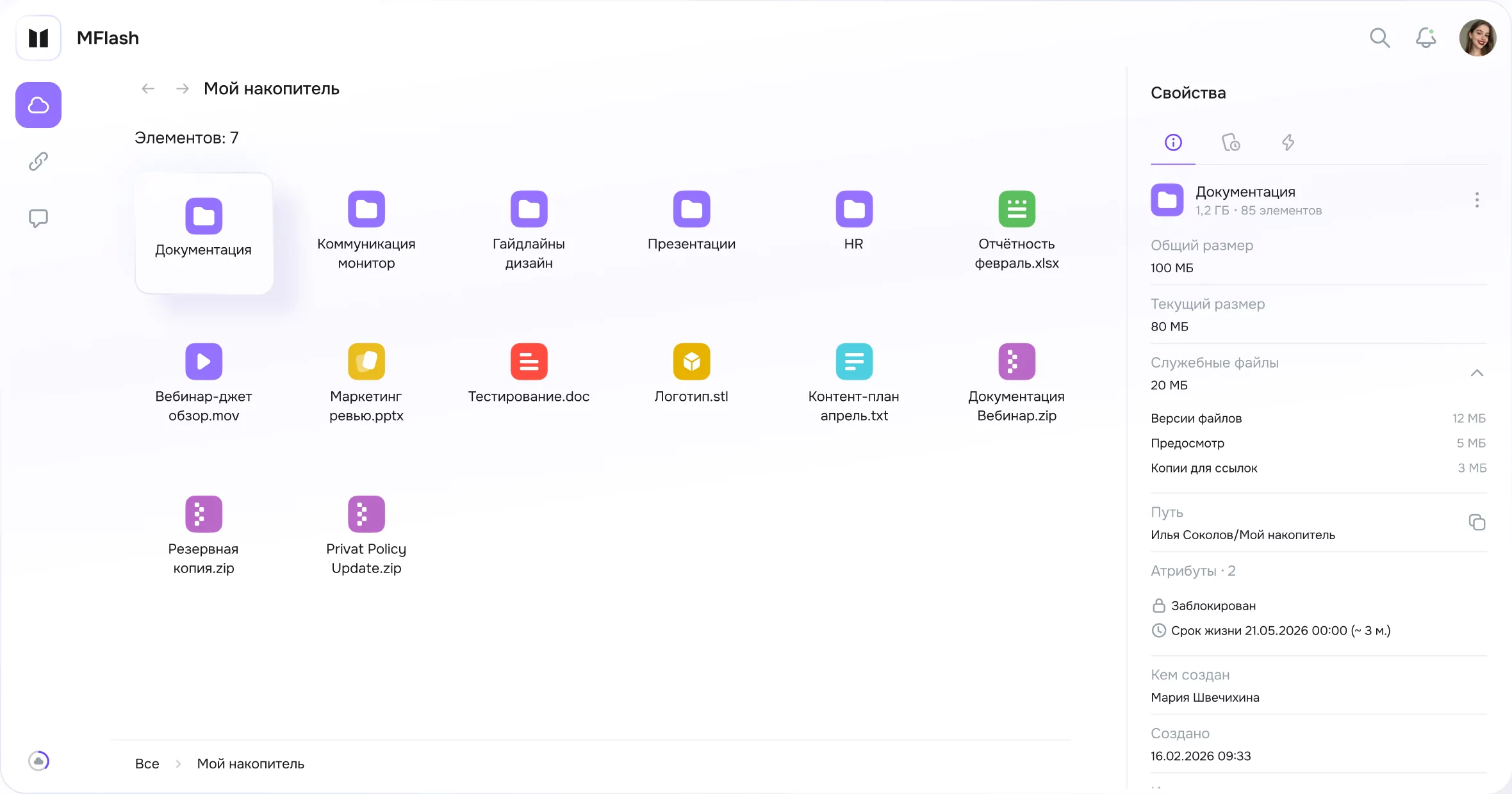
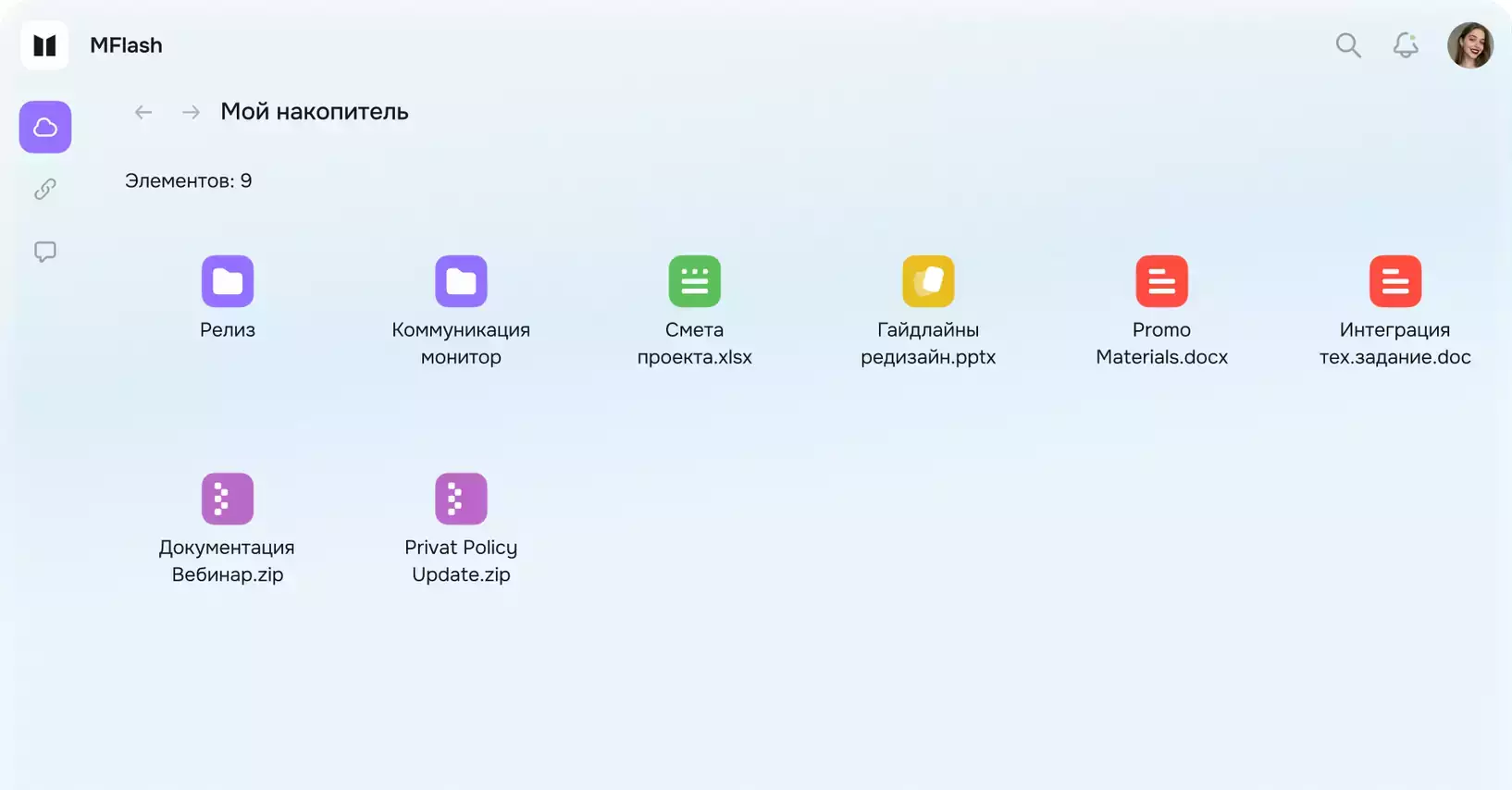
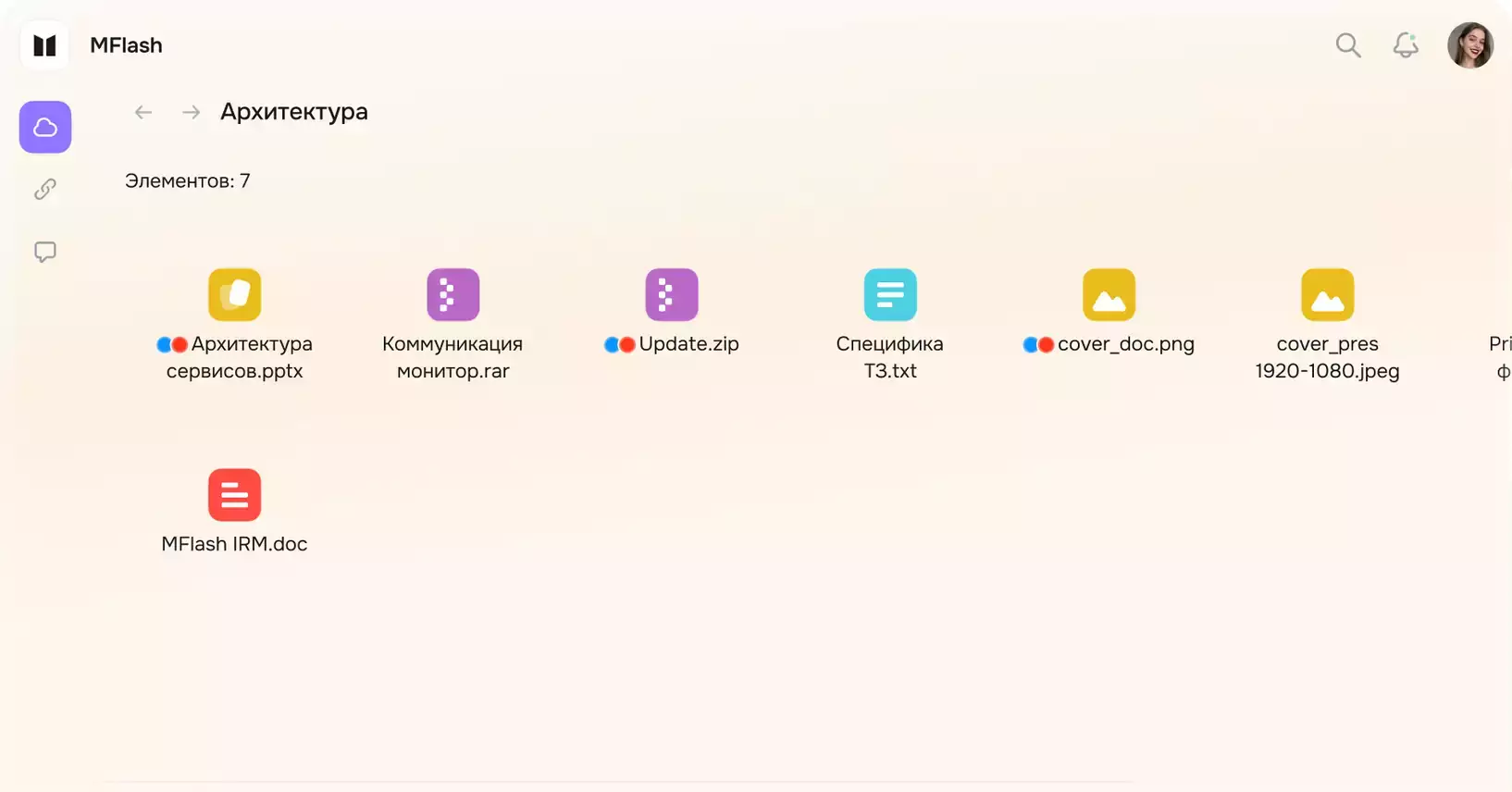
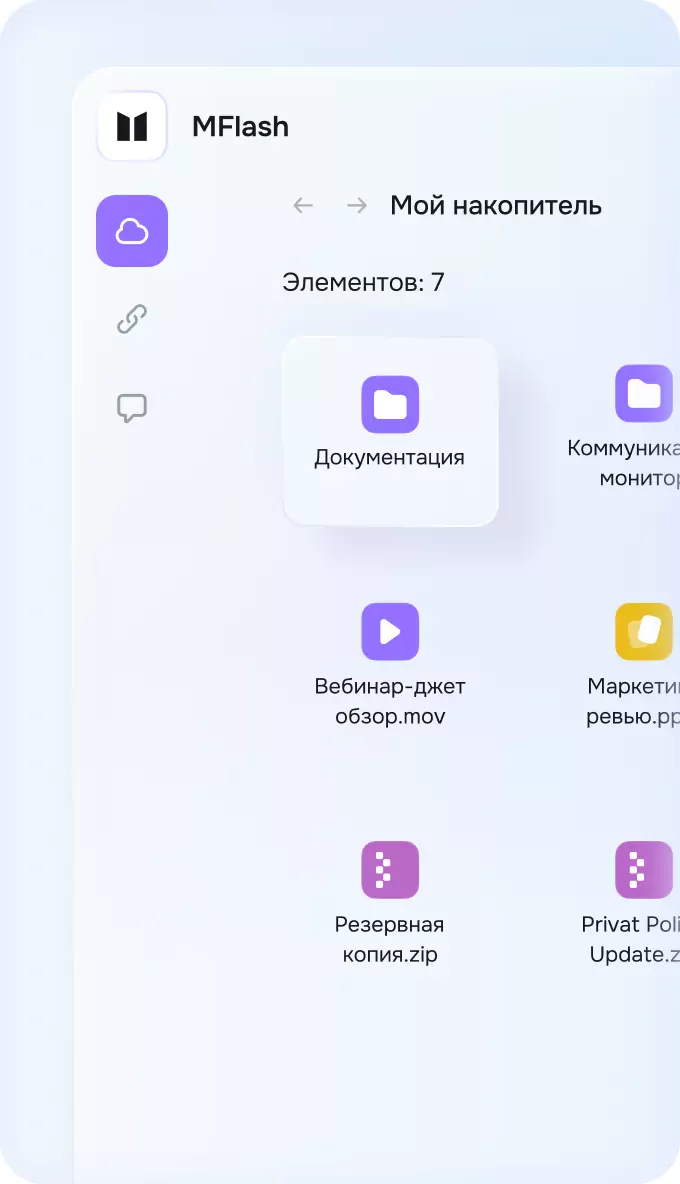
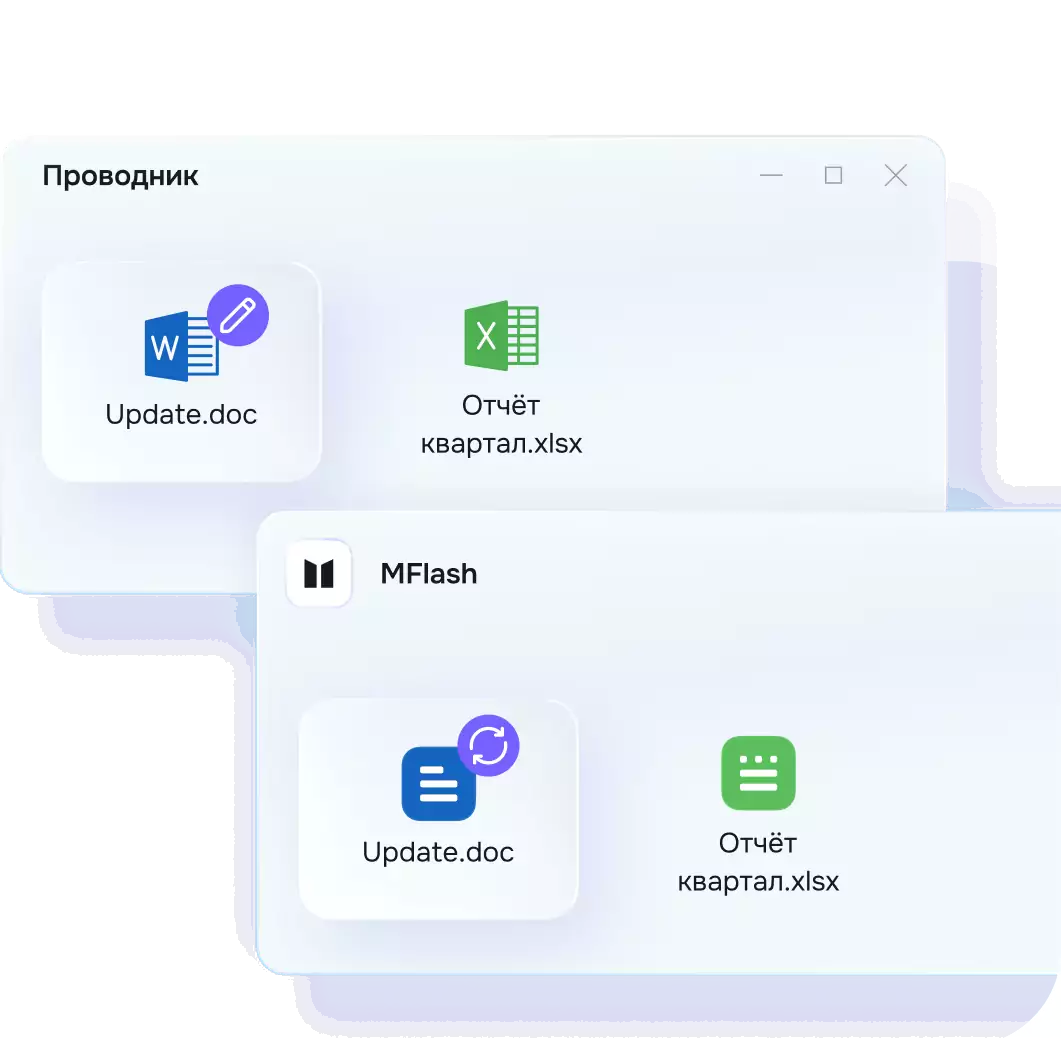
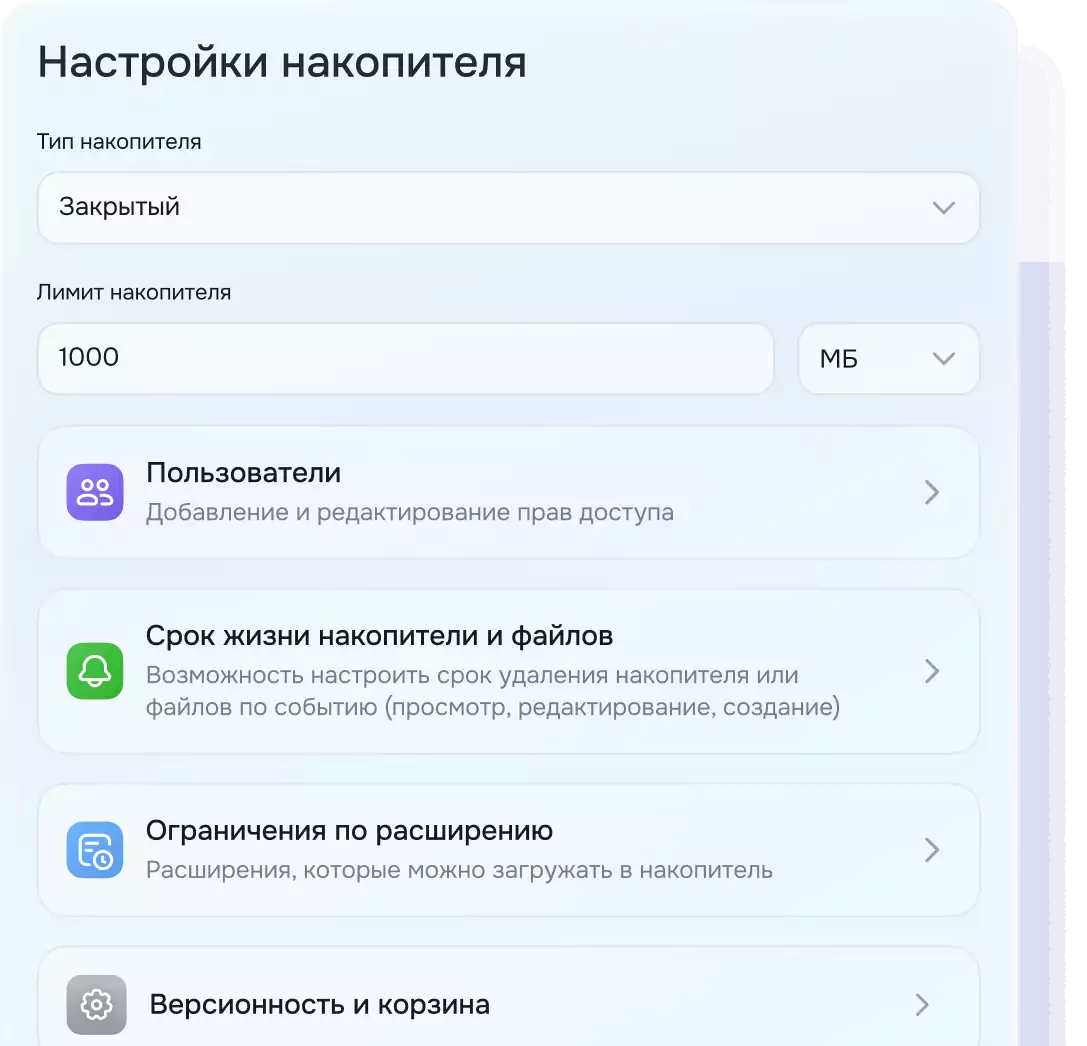
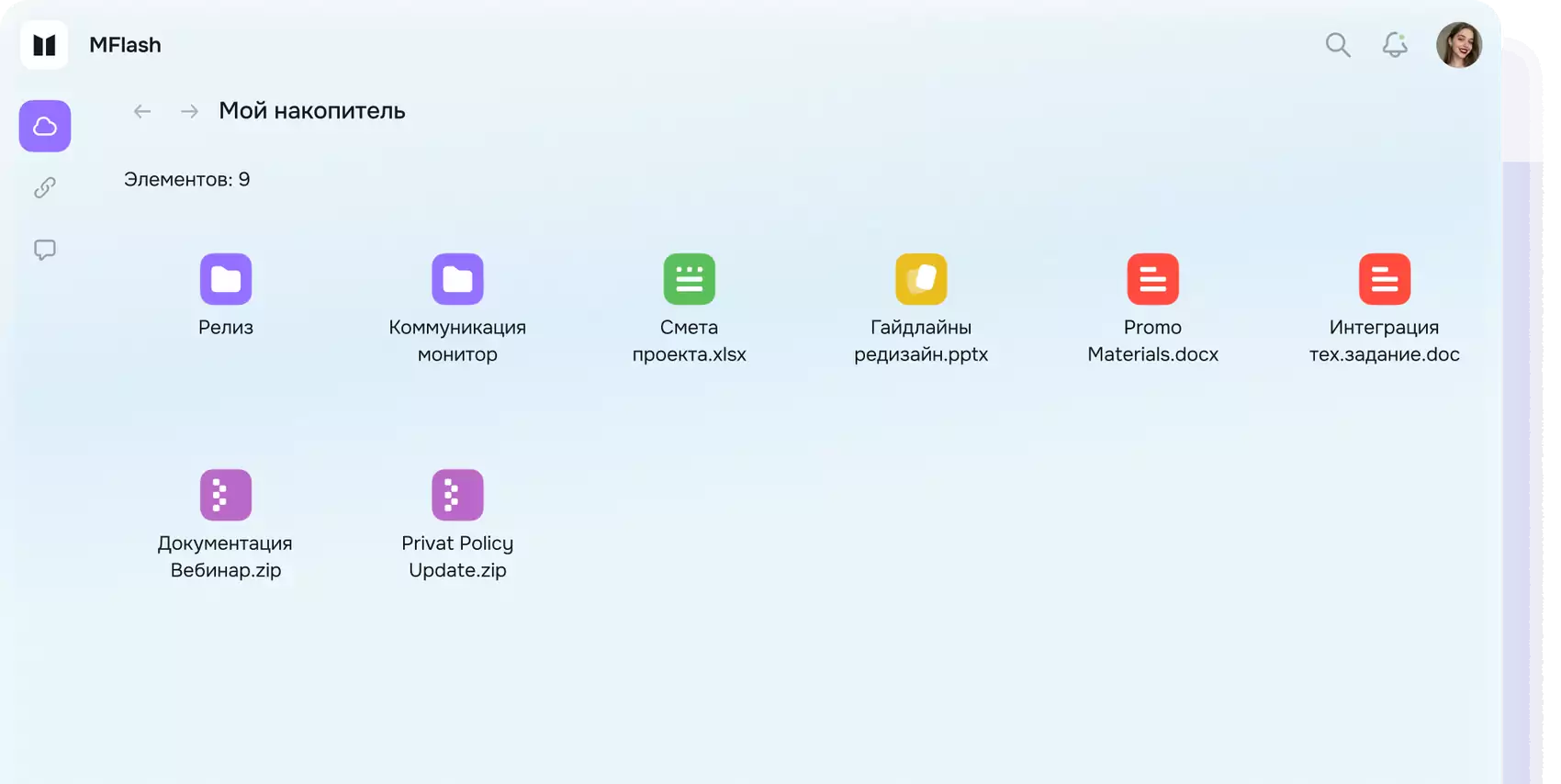
Всё начинается с накопителя
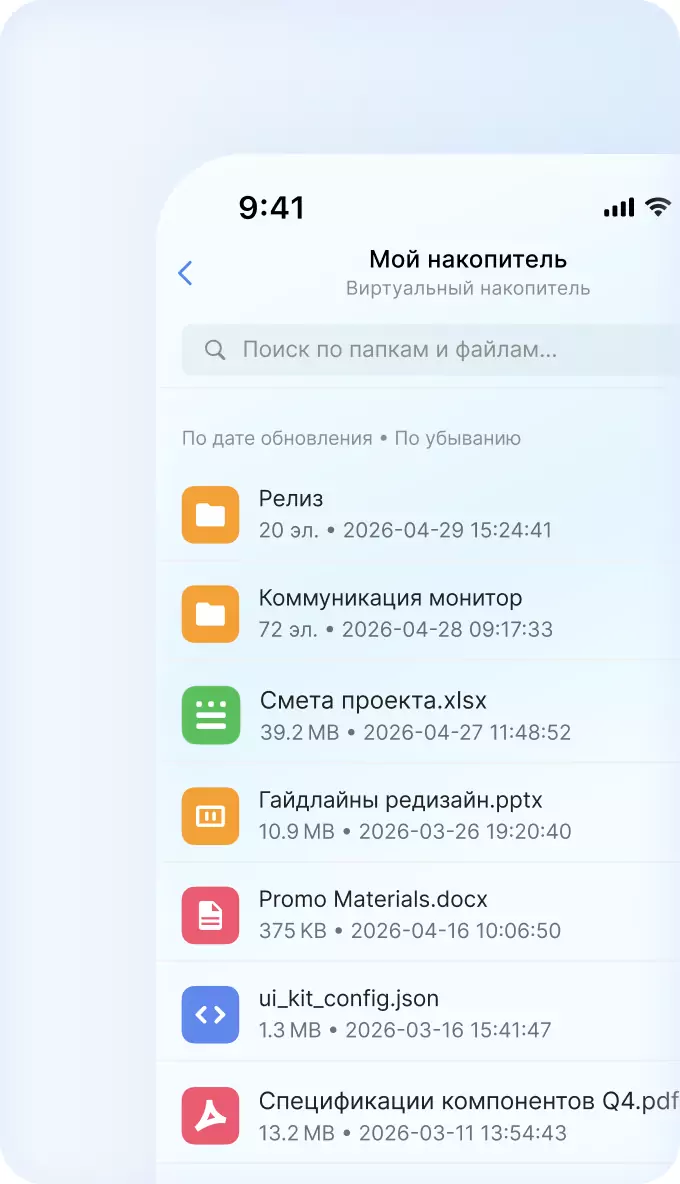
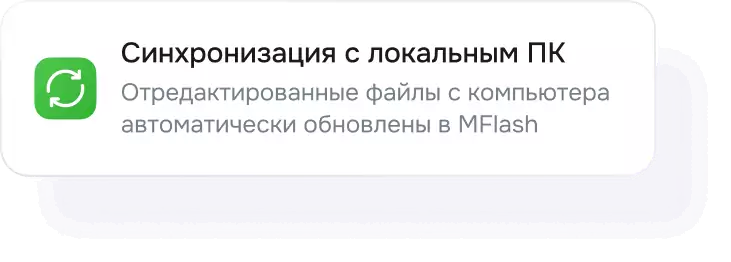
Накопитель — это настраиваемые корневые папки: синхронизация и совместный доступ, автоматическое удаление файлов и ограничения по расширениям
- Онлайн-офис
- Интеграции
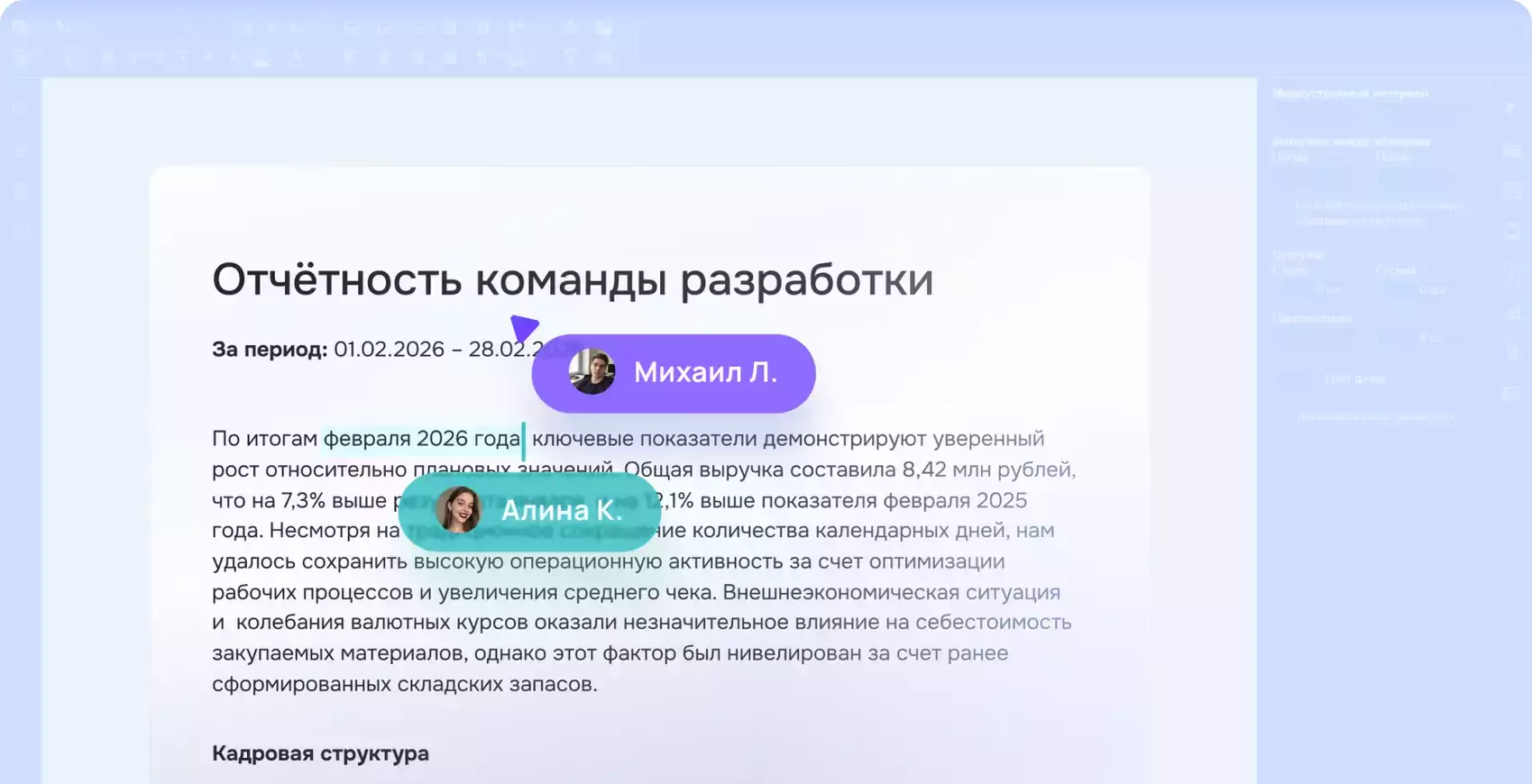
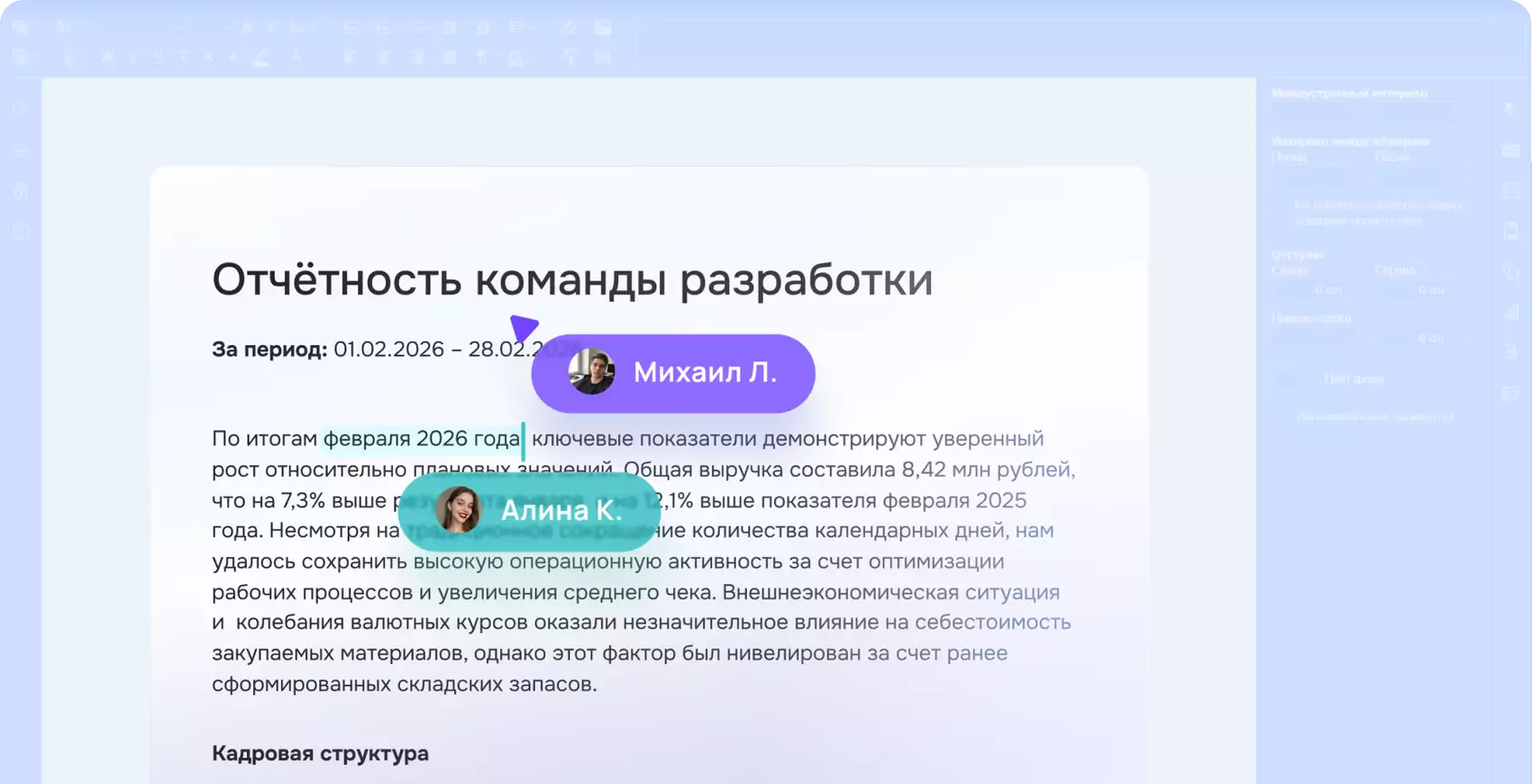
Редактируйте вместе!
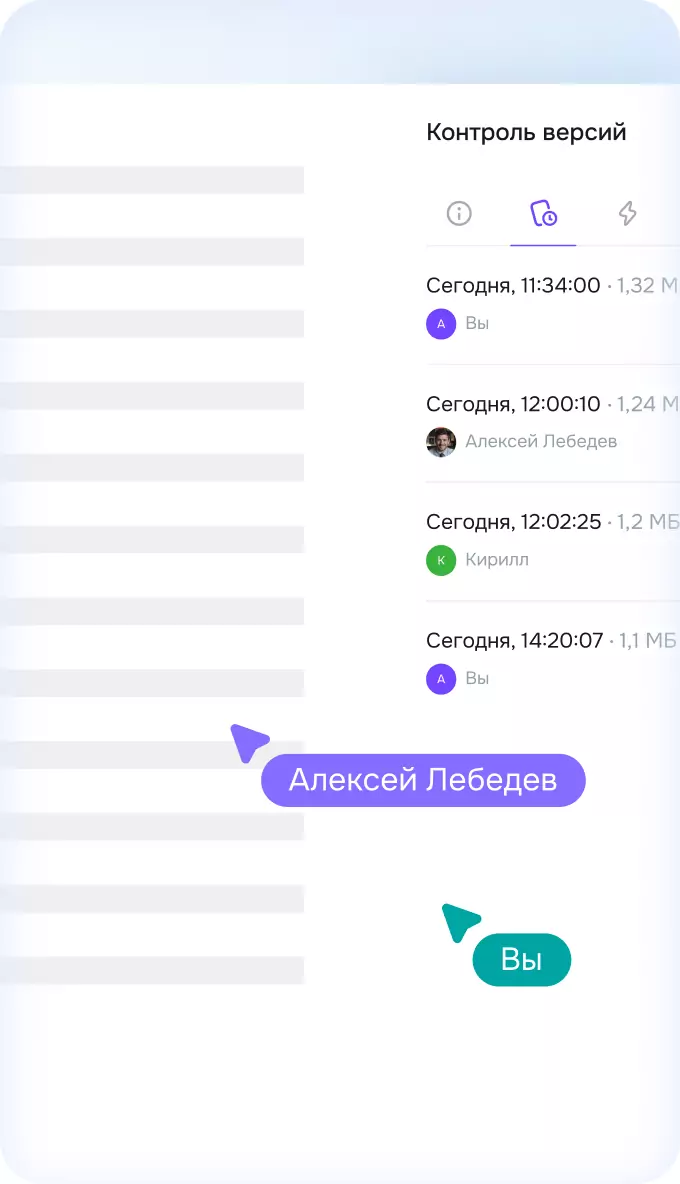
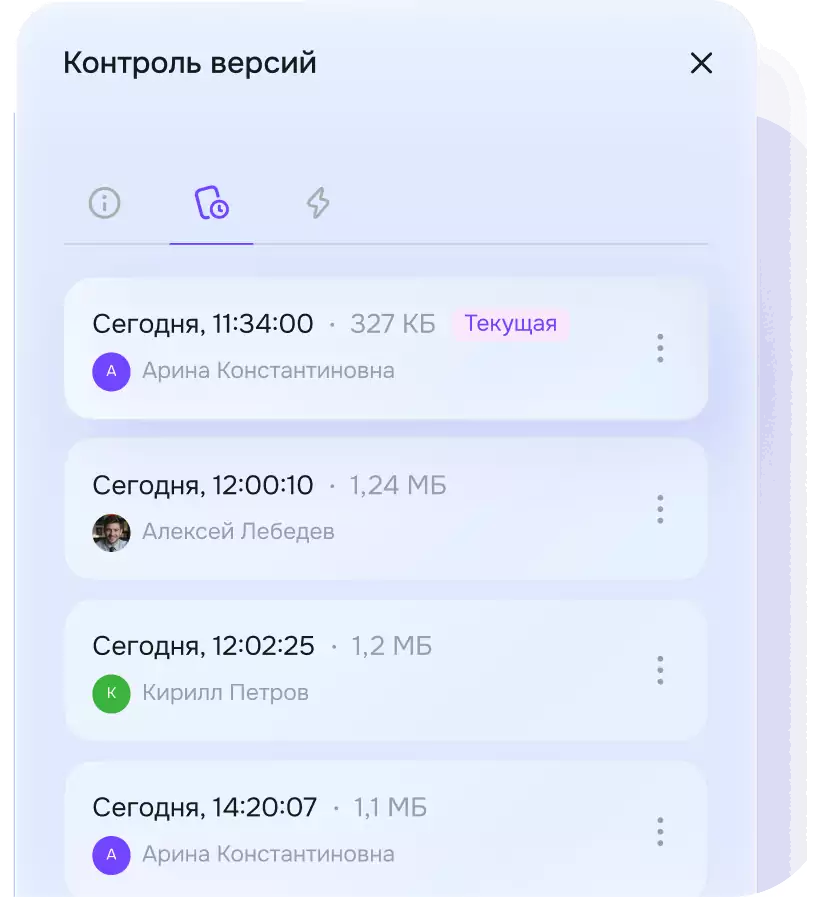
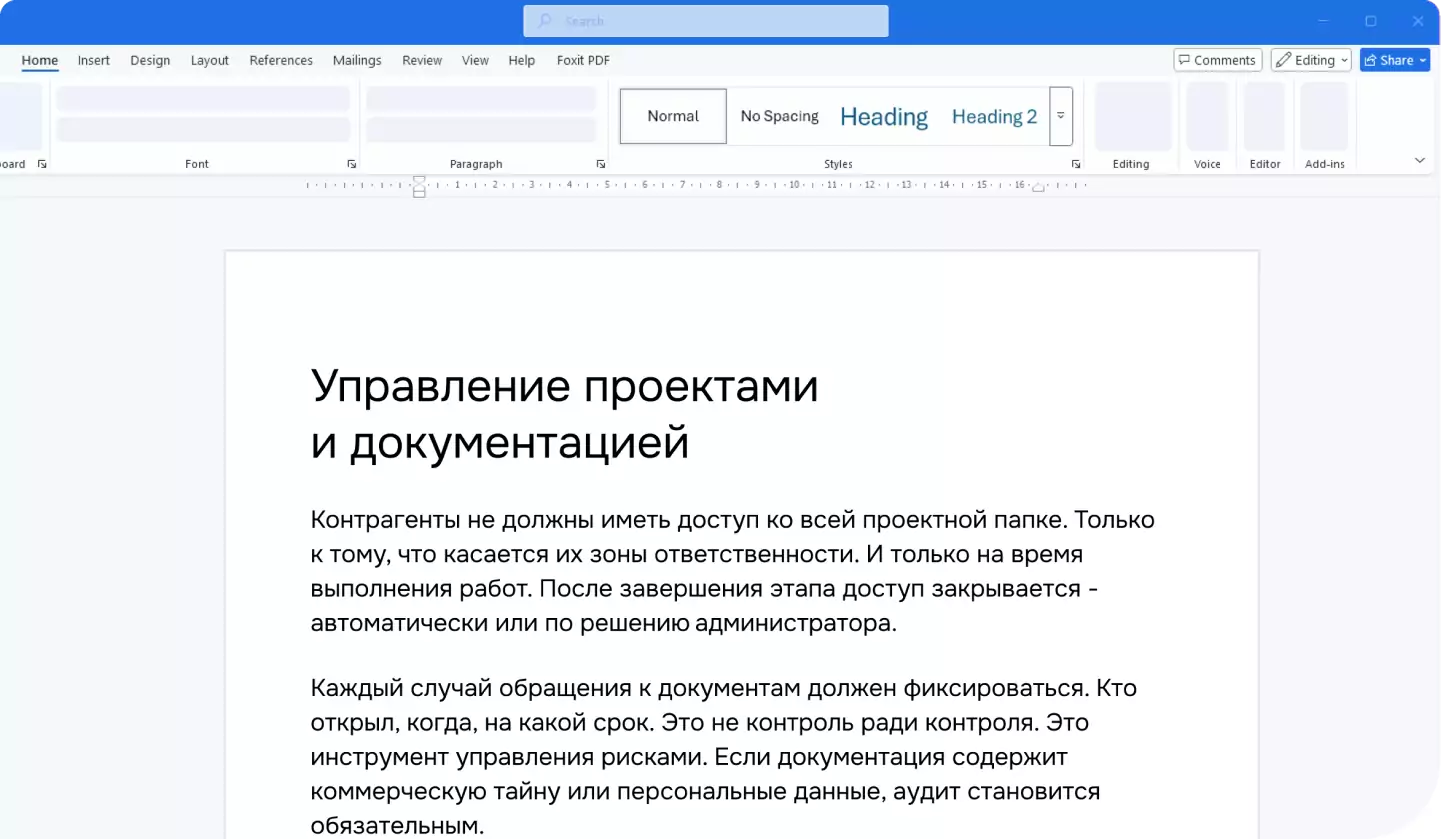
MFlash поддерживает интеграцию с модулями онлайн-офиса, что позволяет редактировать документы совместно прямо в веб-интерфейсе с контролем версий
- Синхронизация
- Windows
- macOS
- Linux
…или локально у себя на компьютере
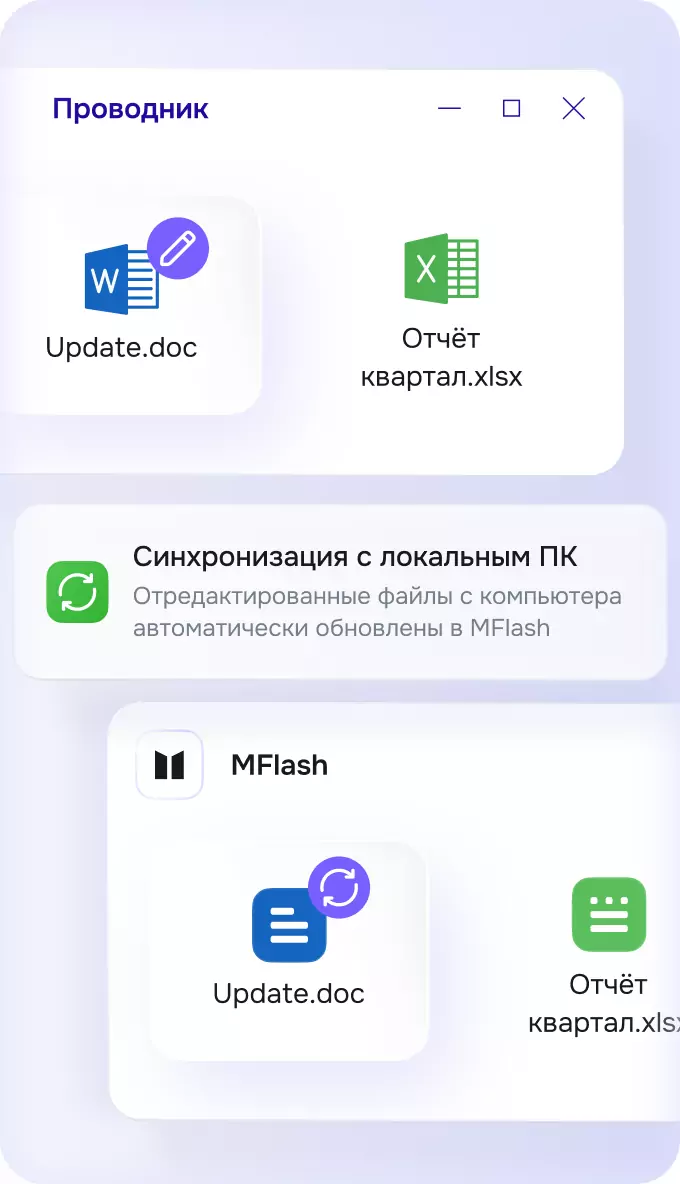
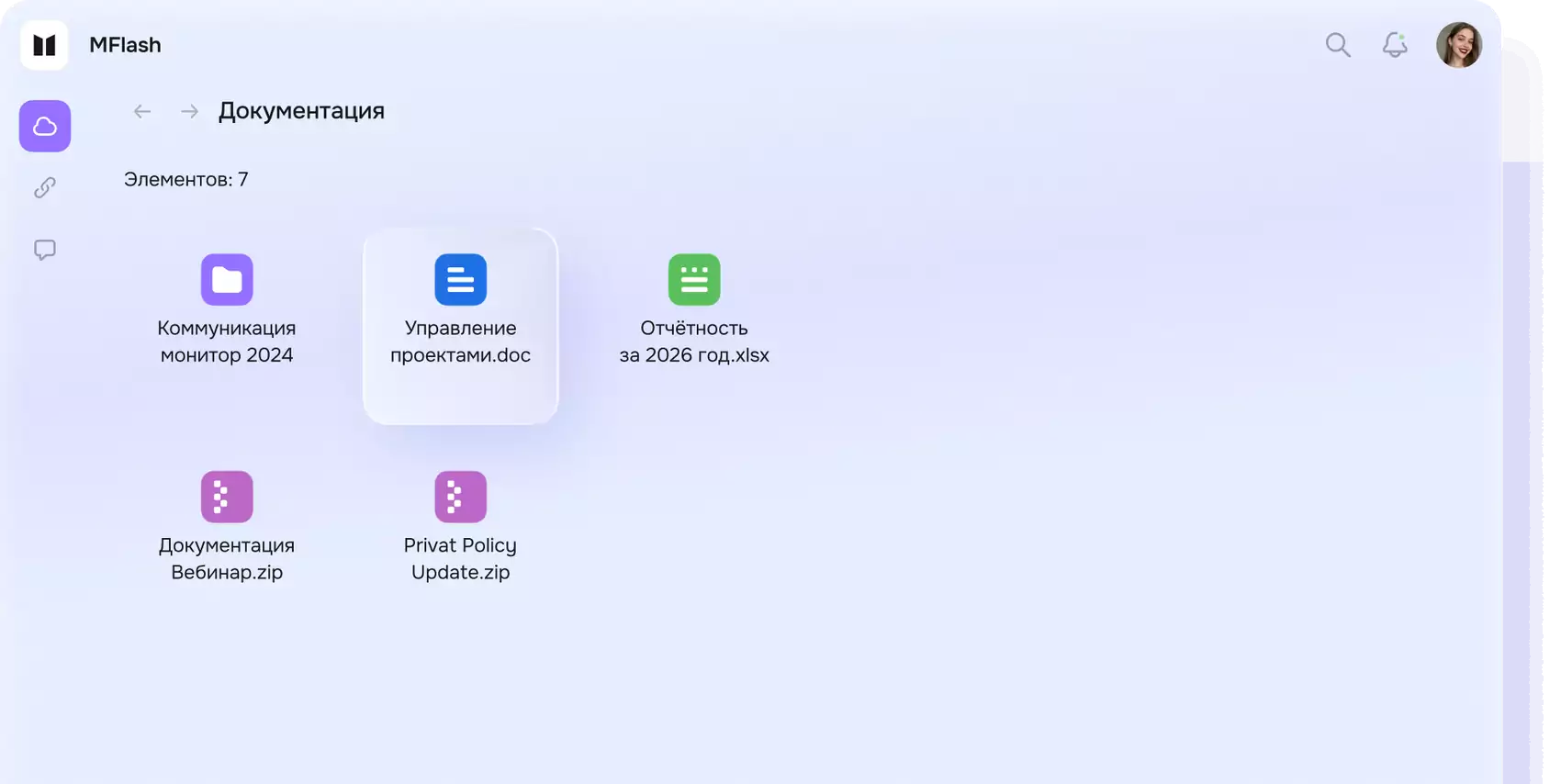
ПО MFlash позволяет открывать файлы прямо на компьютере в вашей любимой программе и после закрытия документа последняя версия сразу станет доступна в MFlash

- Мобильное приложение
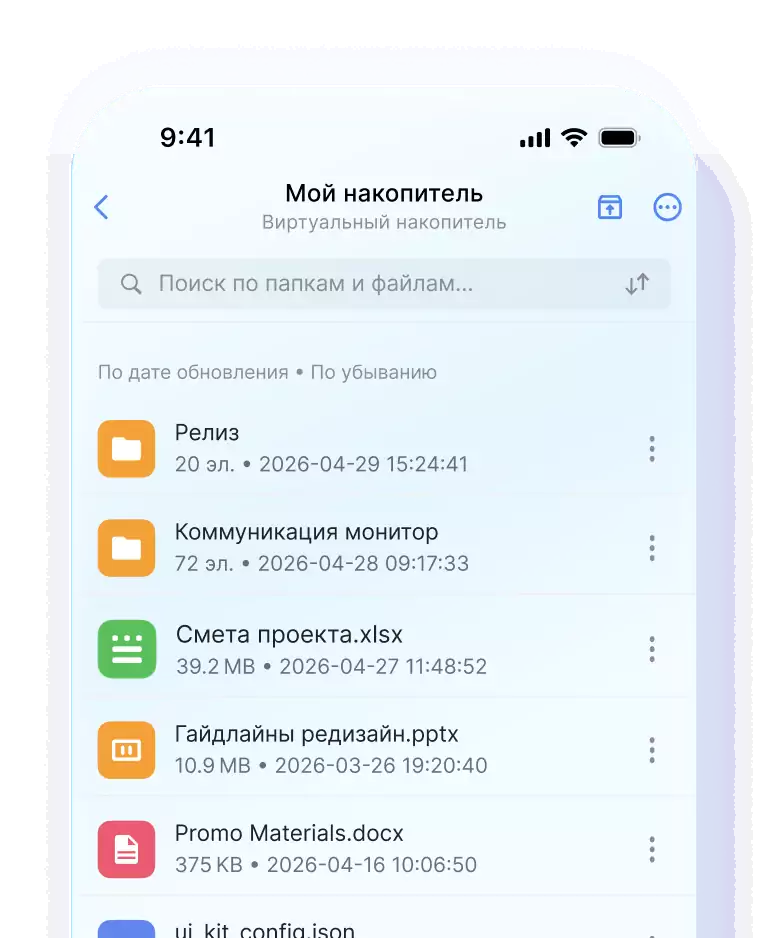
Компьютер или телефон — без разницы
Полноценный доступ к файлам через мобильное приложение для iOS и Android. Работайте с документами на ходу
- Поиск
- Теги
Никогда не теряйте файлы
Поиск по содержимому файлов и гибкая система тегов помогут найти нужные документы за секунды
- Интеграции
- Безопасность
Защищённое место для ваших данных
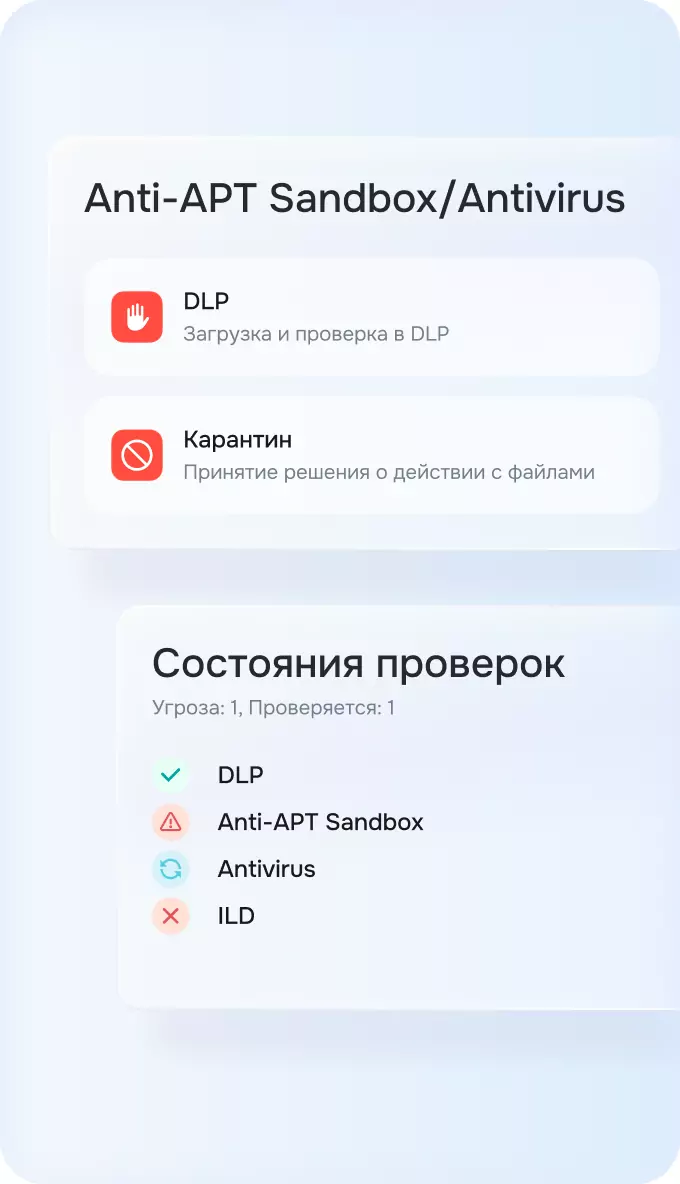
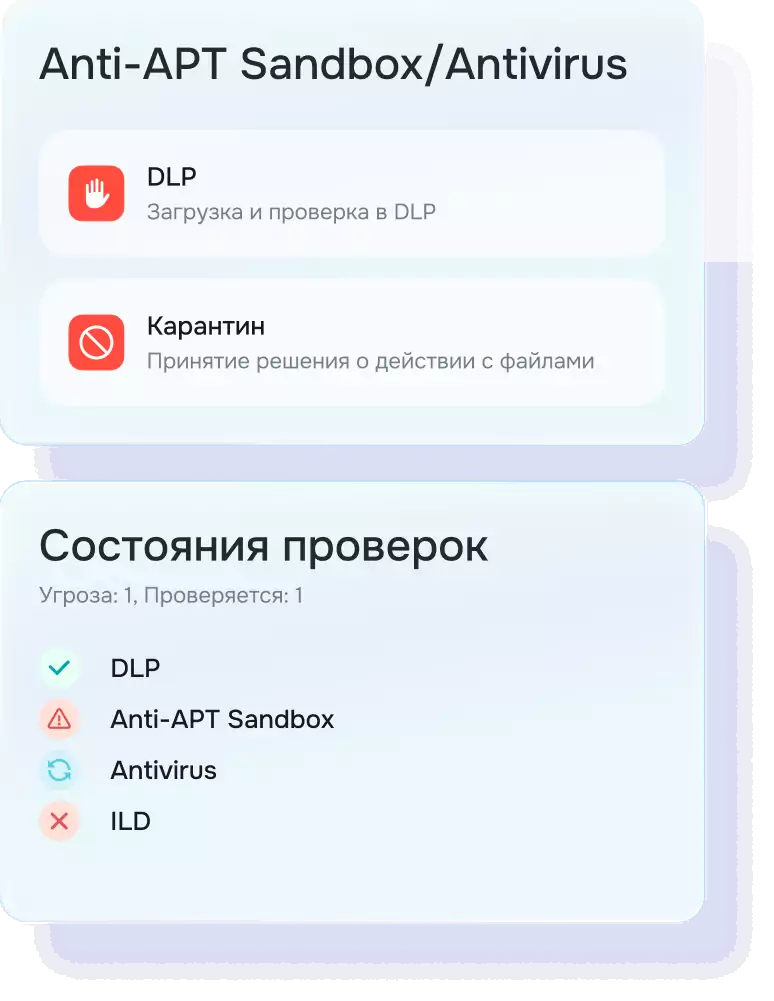
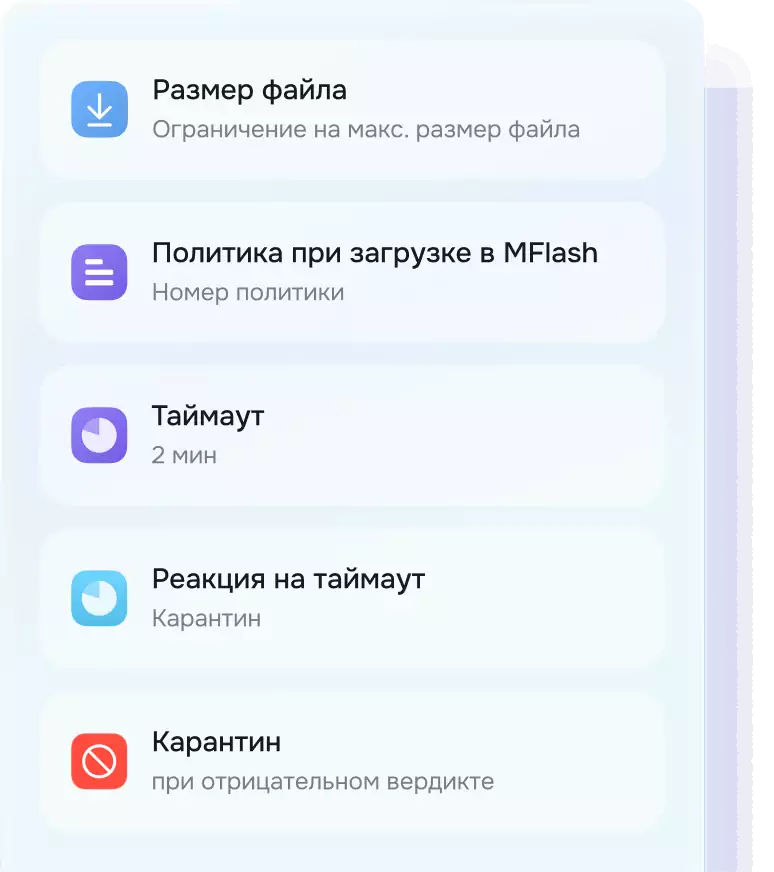
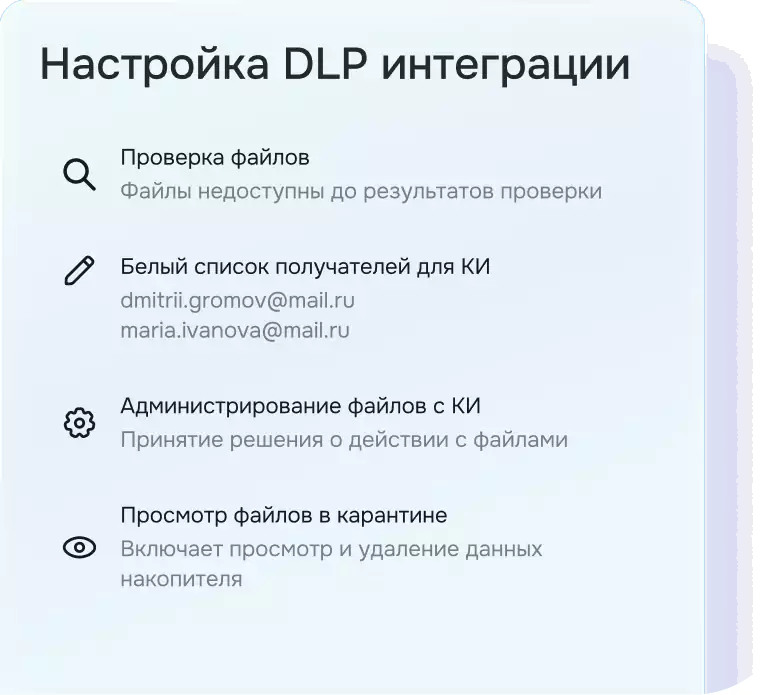
MFlash интегрируется с антивирусом и DLP системами. Файлы всегда под контролем и защищены.
- Расширения
Интеграции и дополнительные модули
MFlash имеет множество интеграций с различными системами, но если этого мало, то есть MFlash API для реализации любых идей
MFlash API
Адаптация опыта использования системы и автоматизация рутинных процессов, единая точка входа для всех файлов в периметр организации
MFlash x Онлайн-редактирование
Параллельная работа над проектом с контролем версий с возможностью восстановления определенной версии

MFlash x Sandbox
Интеграция с Sandbox позволяет обеспечить защиту компании от внешних и внутренних угроз в процессе файового обмена. Все файлы, загруженных в MFlash, проходят проверку
MFlash x SIEM
Передача логов в SIEM для их дальнейшего анализа и обработки
MFlash x DLP
Использование MFlash совместно с интеграцией с DLP позволяет определить характер контента файла для возможности ограничения ее распространения за периметр организации

MFlash x DAG
Аудит, анализ и мониторинг данных пользователей
MFlash x Outlook
Работа без нагрузки на инфраструктуру почты

Единый вход OAuth 2.0/OIDC
Параллельная работа над проектом с контролем версий с возможностью восстановления определенной версии
MFlash x Антивирус
Сканирование загружаемых файлов встроенным антивирусом

- Тарифы
Рассчитайте стоимость решения
- MFlashOn-Premise
Продукт для компаний со сложной инфраструктурой, высокими требованиями к безопасности
Подписка от 1 годаили Бессрочная лицензиядля Enterprise-заказчиков Сертификат на базовую техническую поддержку и обновления
 Серверная лицензия
 Пользовательские лицензии
 Возможность включить дополнительные модули
 Защищённый файловый обмен внутри периметра
 Обмен с внешними контрагентами
 Проверка файлов антивирусом
 Базовые настройки и администрирование MFlash
- 100+внутренних пользователей
- гостевых пользователей
- MFlash LiteOn-Premise
Понятный и управляемый защищённый файловый обмен без сложных интеграций и избыточного функционала
Подписка от 1 годадля малого и среднего бизнеса- Защищённый файловый обмен внутри периметра
- Обмен с внешними контрагентами
- Проверка файлов антивирусом
- Базовые настройки и администрирование MFlash
- 1-150внутренних пользователей
- до1500гостевых пользователей
- MFlash LiteОблако (SaaS)
Понятный и управляемый защищённый файловый обмен без сложных интеграций и избыточного функционала
Подписка от 1 годадля малого и среднего бизнеса- Защищённый файловый обмен внутри периметра
- Обмен с внешними контрагентами
- Проверка файлов антивирусом
- Базовые настройки и администрирование MFlash
- 1-150внутренних пользователей
- до1500гостевых пользователей
Рассчитайте стоимость решения
Попробуйте MFlash в работе. Проведём демо с вашими сценариями.
Расскажем и покажем больше!
Попробуйте MFlash в работе. Проведём демо с вашими сценариями: интеграции, настройка доступа, аудит. Посмотрите, как это работает.